AI-Powered Text Scanner

Stop Saving Screenshots. Start Saving Information.

Turn any photo into organized, searchable info cards in 3 seconds. AI that understands contextβ€”not just text.

500,000+ users love Textora
Textora App - AI text scanner interface showing organized info cards
Textora mobile app screenshot

Sound Familiar?

You're not alone. These daily frustrations happen to everyone.

Buried in Screenshots

Your gallery is full of WiFi passwords, receipts, and notes you'll never find again.

Can't Find What You Need

Scrolling through hundreds of photos looking for that one important detail.

Manual Copying is Tedious

Typing out text from images wastes your valuable time.

Meet Textora

The smarter way to capture and organize text from any image.
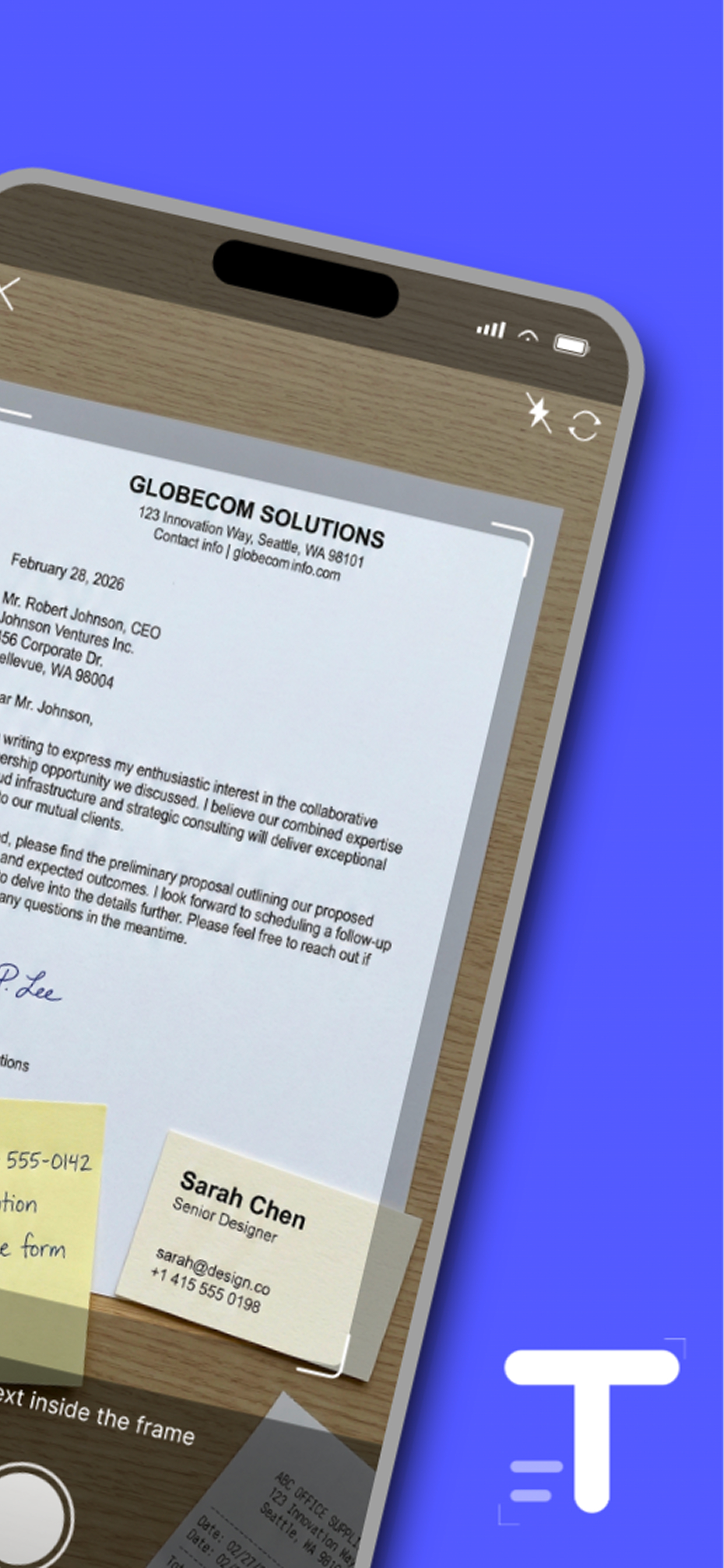
Scanning a document with Textora camera
1

Snap or Import

Take a photo or select from your gallery
Textora extracting text from image with AI
2

AI Extracts

Our AI instantly reads and understands the content
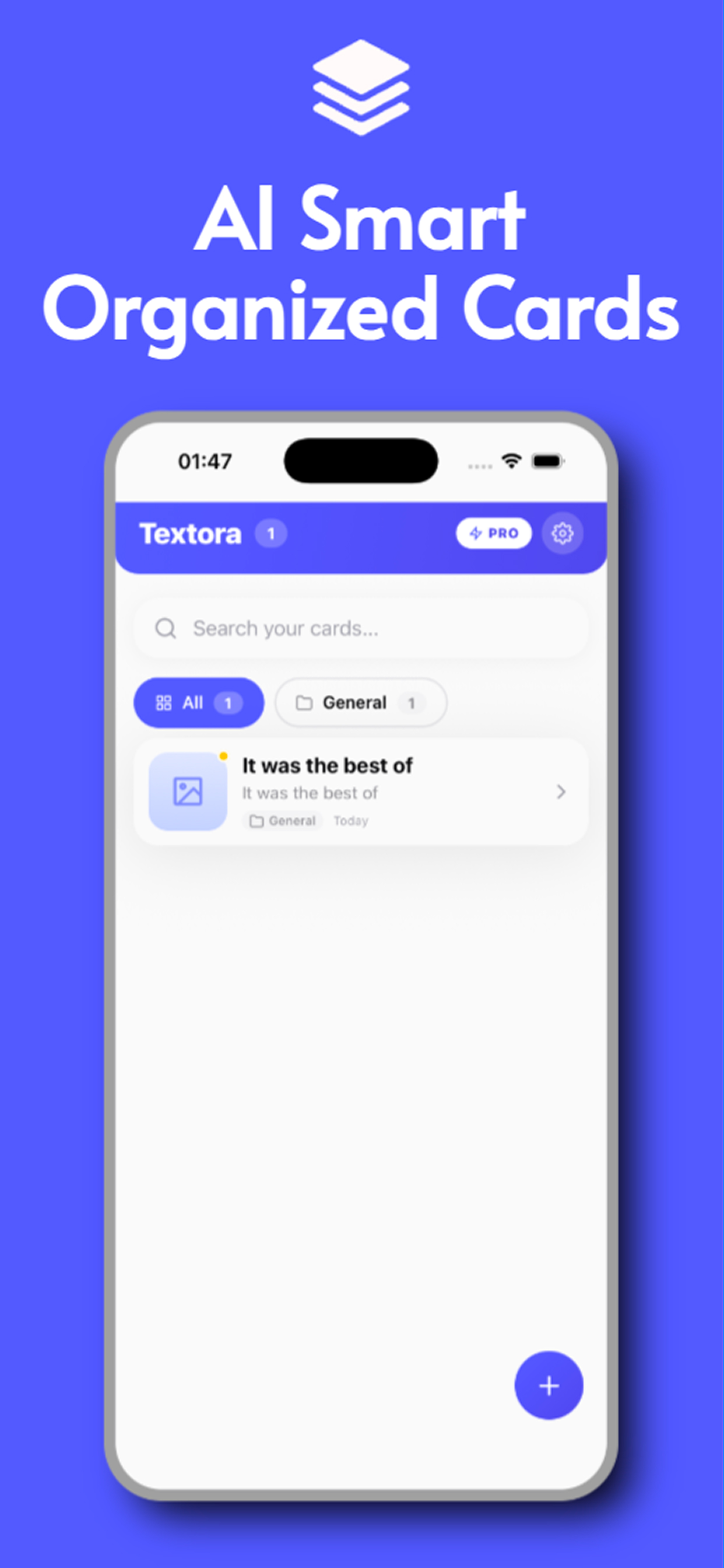
Organized Knowledge Cards in Textora
3

Organized Cards

Get searchable, categorized info cards automatically

Perfect For

Real solutions for everyday situations.

WiFi Passwords

Never ask for the WiFi password twice

Receipts & Invoices

Track expenses effortlessly

Business Cards

Save contacts in seconds

Documents

Digitize important papers instantly

Handwritten Notes

Convert your handwriting to text

Menus & Signs

Capture info on the go

90+ Languages

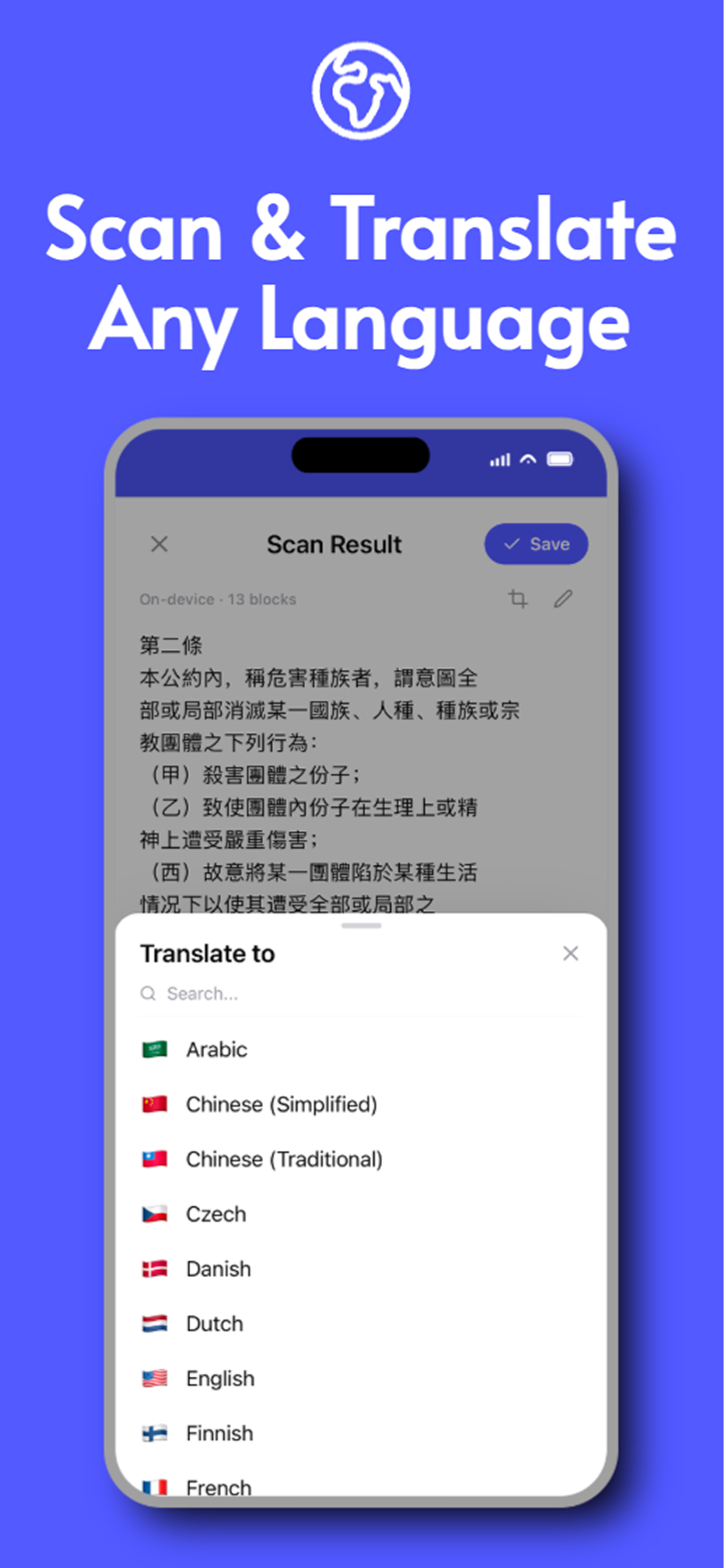
Scan & Translate Any Language

Extract text from images in 90+ languages and instantly translate it. From Chinese documents to Arabic signs β€” Textora handles it all on-device.

  • On-device text recognition
  • Built-in translation to any language
  • Auto language detection
Textora scan and translate feature showing Chinese text with translation options
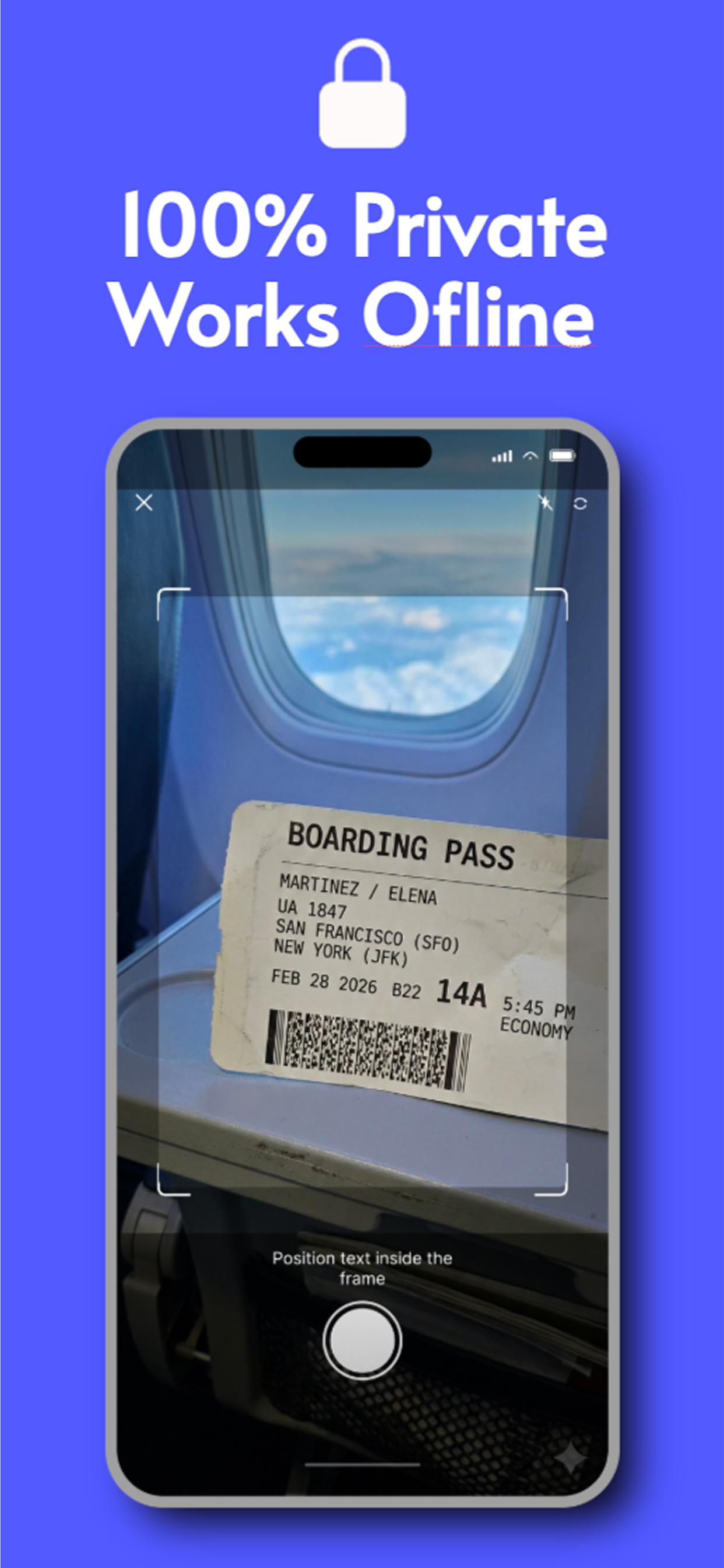
Textora scanning a boarding pass completely offline and private
100% Private

100% Private. Works Offline.

Your documents never leave your iPhone. Textora processes everything on-device using Apple's Vision framework β€” no internet required, no cloud uploads, ever.

  • No internet needed
  • No cloud uploads
  • No account required
Handwriting OCR

Digitise Handwritten Notes Instantly

From meeting notes to recipes, from letters to sticky notes β€” Textora reads your handwriting and converts it into editable, searchable digital text.
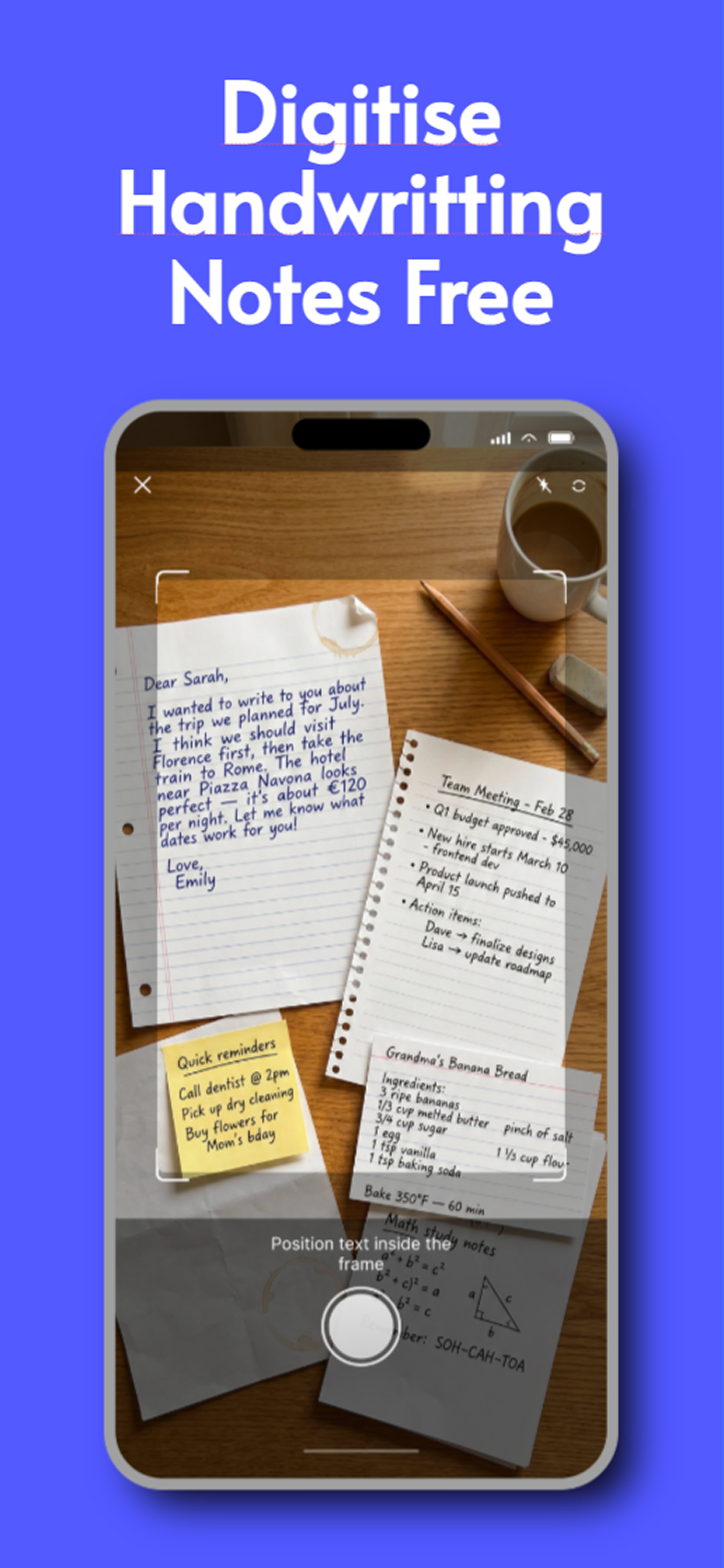
  • Handwritten notes & letters
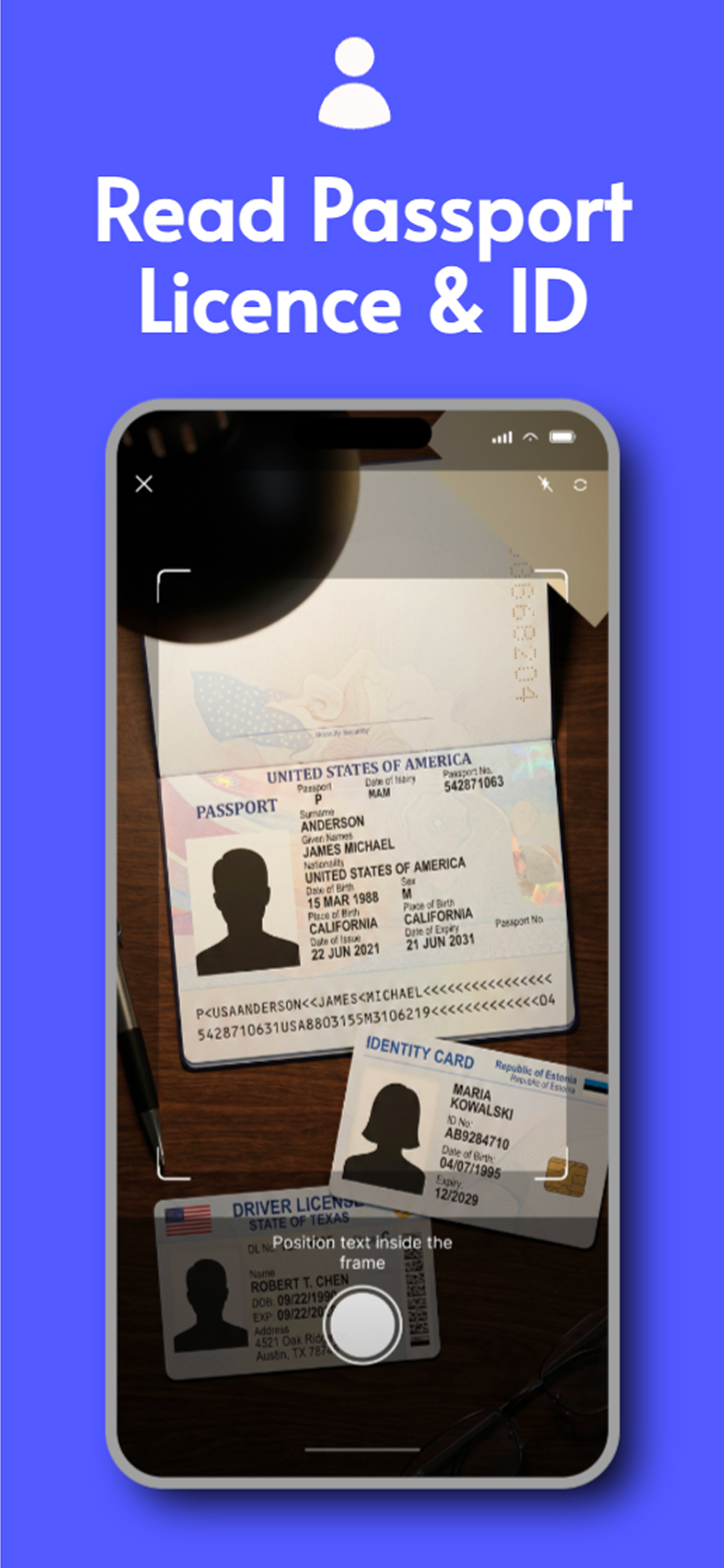
  • Passports, IDs & documents
  • Receipts & business cards
Textora scanning handwritten notes and converting to digital text
Textora scanning passport and ID documents

See Textora in Action

Powerful features designed for everyday use.
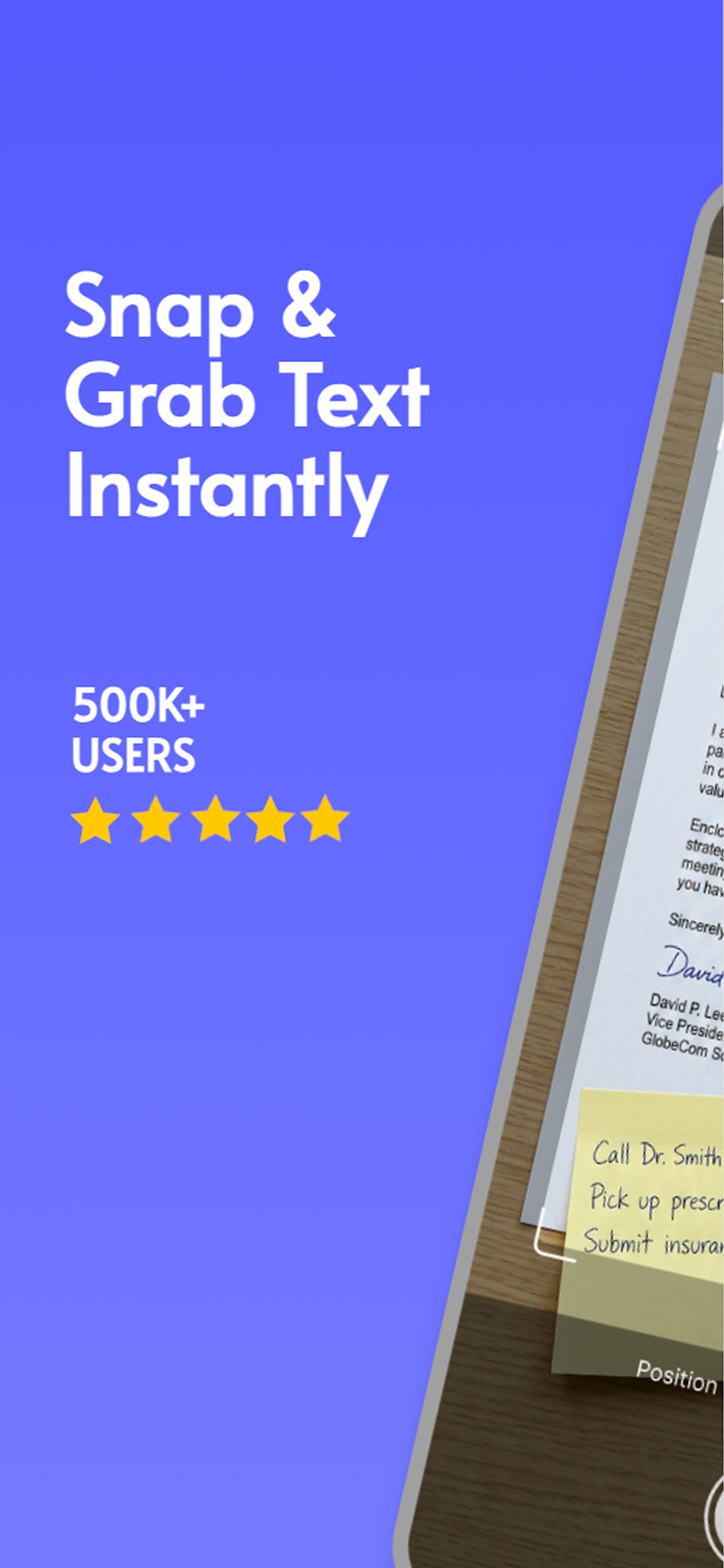
Snap and grab text instantly with Textora
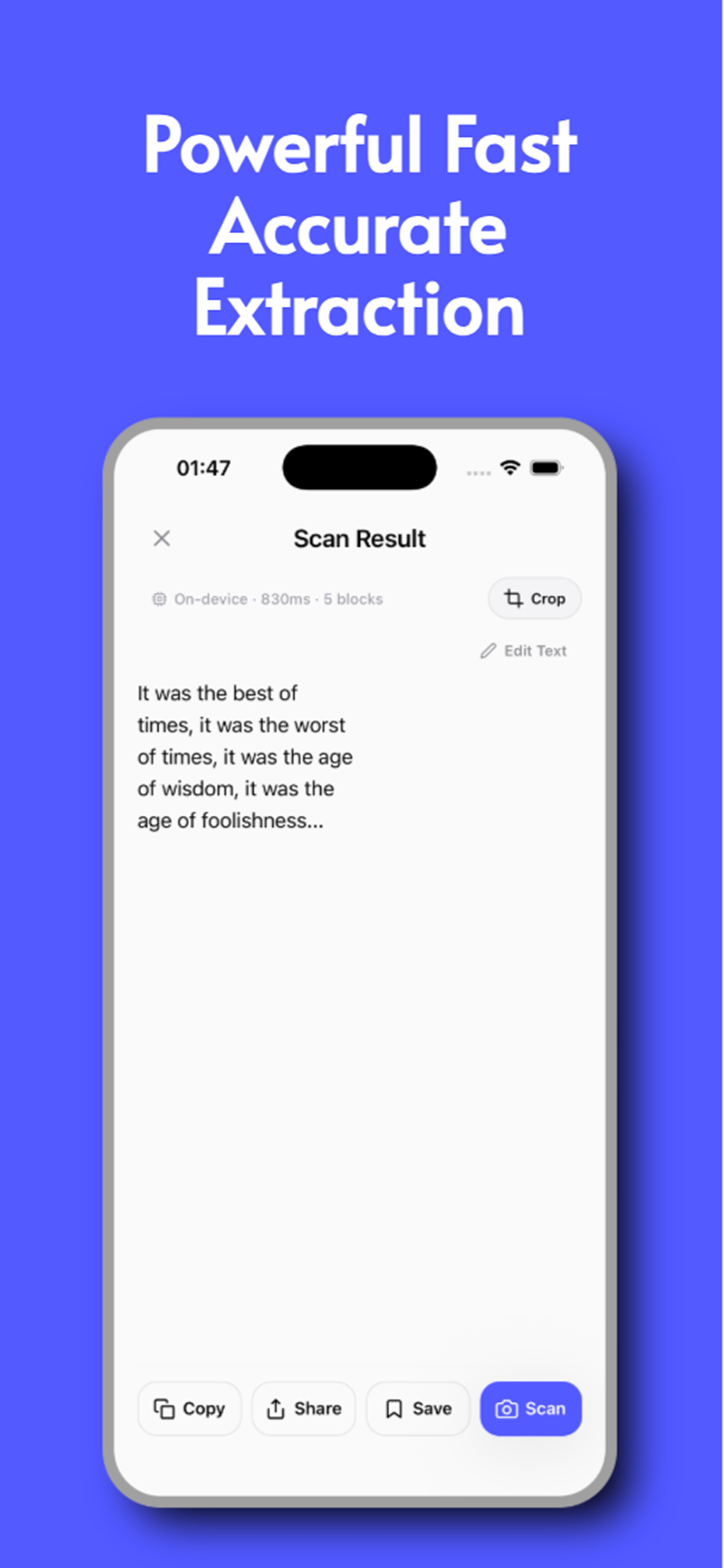
Powerful fast accurate text extraction
Scan and translate any language
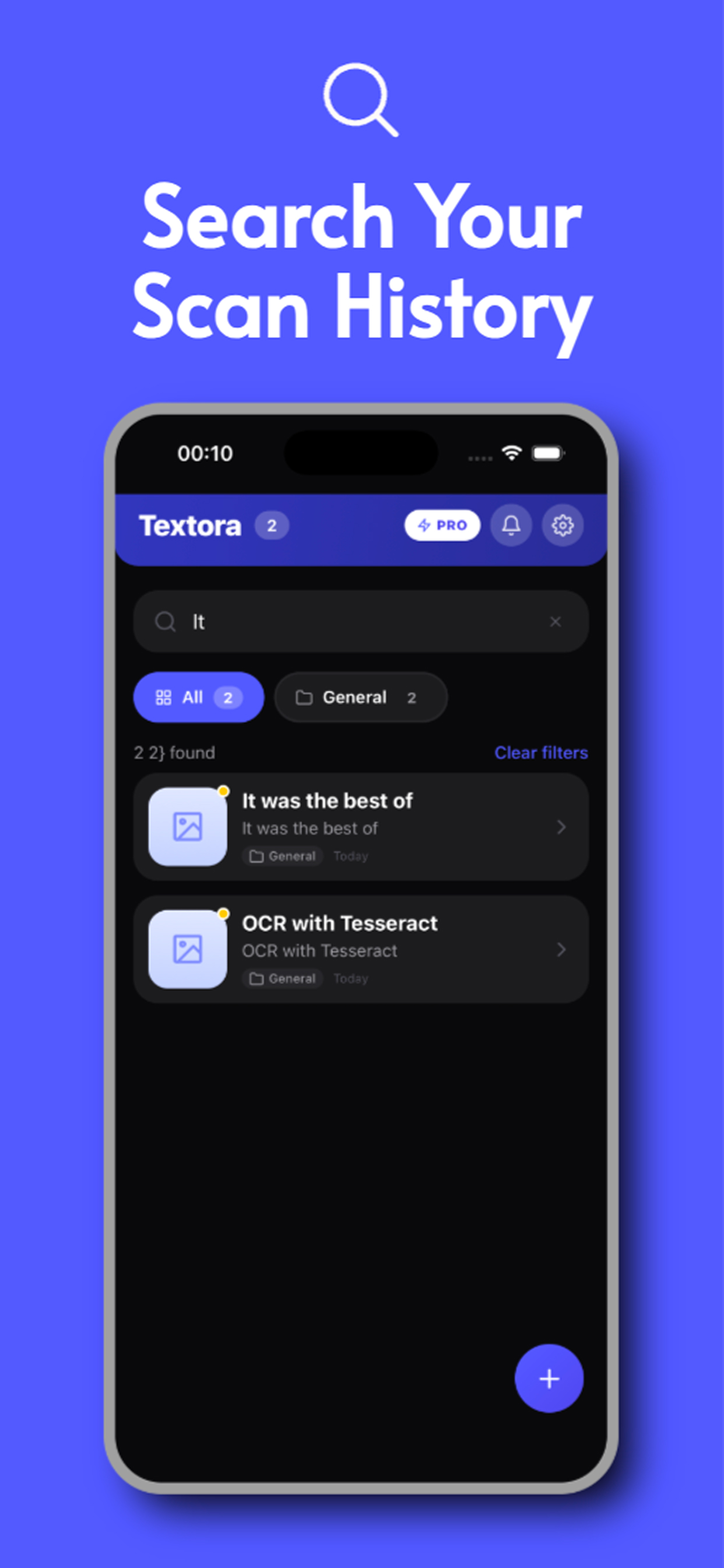
Search your scan history
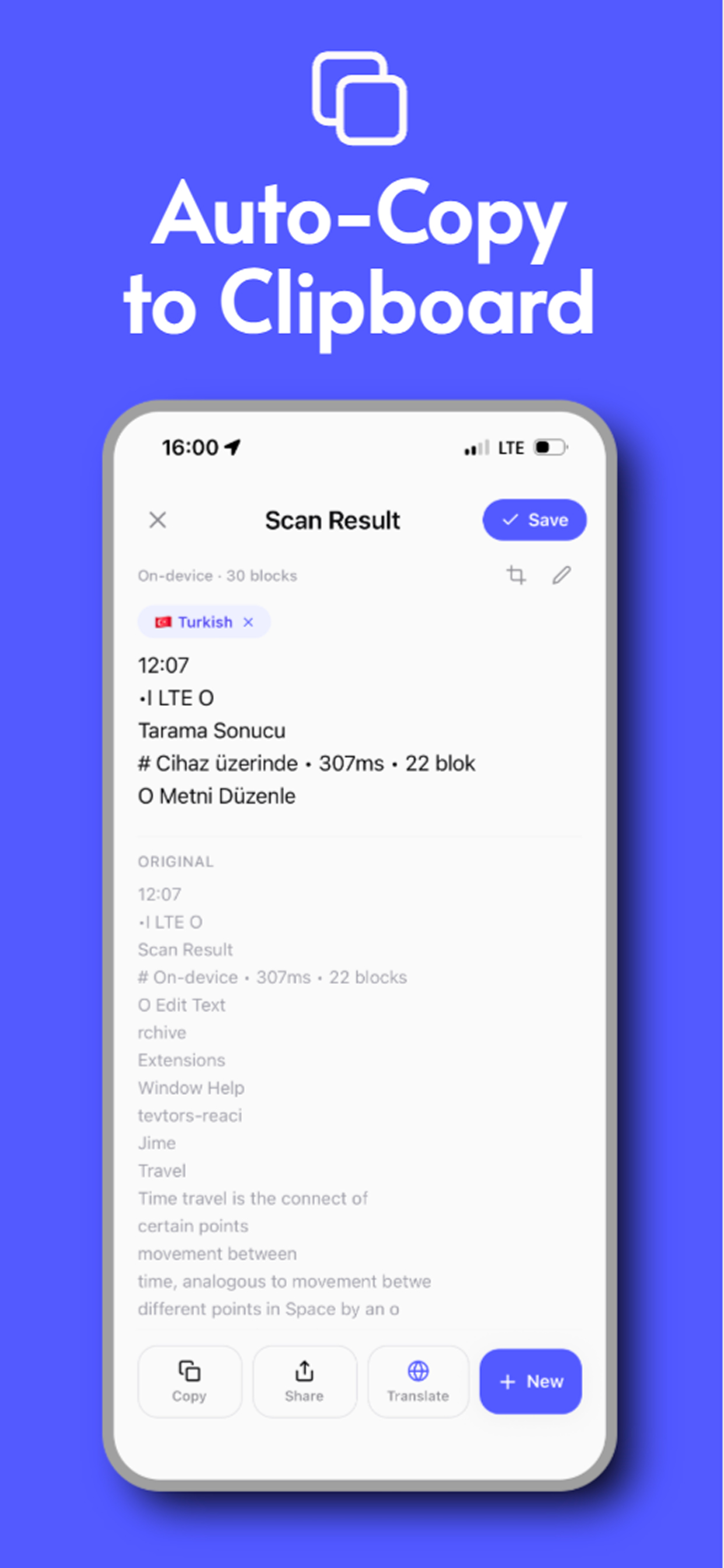
Auto-copy extracted text to clipboard
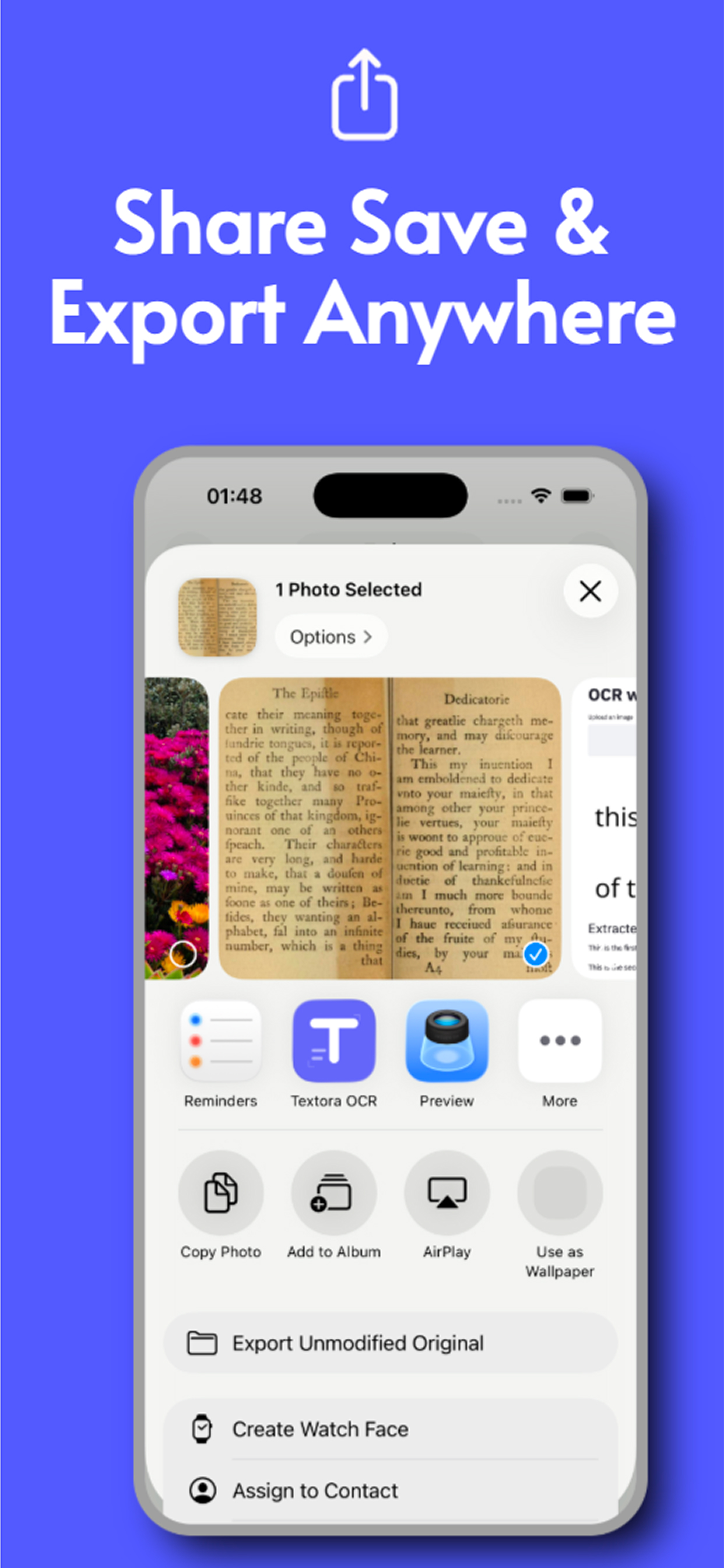
Share save and export anywhere
100% private works offline
Digitise handwritten notes free
Read passport licence and ID
AI smart organized cards
Snap and grab text instantly with Textora
Powerful fast accurate text extraction
Scan and translate any language
Search your scan history
Auto-copy extracted text to clipboard
Share save and export anywhere
100% private works offline
Digitise handwritten notes free
Read passport licence and ID
AI smart organized cards

Powerful Features

Everything you need to manage text from images.

AI-Powered OCR

Advanced text recognition that works in any language

Smart Categories

Automatic organization based on content type

Instant Search

Find any text across all your cards

Cloud Sync

Access your cards from any device

Offline Mode

Works without internet connection

Secure Storage

Your data is encrypted and private

Loved by Users

See what people are saying about Textora.

"Finally, no more scrolling through hundreds of screenshots to find that WiFi password!"

SM

Sarah M.

Marketing Manager

"As a freelancer, tracking receipts was a nightmare. Textora changed everything."

JK

James K.

Freelance Designer

"The AI is incredibly accurate. Even reads my messy handwriting!"

ER

Emily R.

Student

Frequently Asked Questions

Everything you need to know about Textora.

What is Textora?

Textora is an AI-powered OCR app for iPhone that extracts text from photos, documents, screenshots, and handwritten notes. It organizes extracted text into searchable Knowledge Cards and processes everything on-device for complete privacy.

Is Textora free?

Yes. Textora is free to download and use. Core OCR features including text extraction, Knowledge Cards, and batch scanning are available at no cost. No subscription or account is required.

Does Textora work offline?

Yes. Textora processes all text recognition on-device using Apple's Vision framework. It works completely without an internet connection β€” your documents never leave your phone.

How many languages does Textora support?

Textora supports 90+ languages for text recognition, including English, Spanish, French, German, Chinese, Japanese, Korean, Arabic, and many more β€” all processed on-device.

Is Textora a good alternative to Google Lens?

Yes. Textora is the best privacy-focused Google Lens alternative for OCR on iPhone. Unlike Google Lens, Textora processes images on-device without uploading them to cloud servers and requires no Google account.

What happened to Microsoft Lens? What should I use instead?

Microsoft Lens was retired in January 2026. Textora is a recommended replacement that offers on-device OCR, Knowledge Cards for organizing scanned text, and works without an account β€” features Microsoft Lens users loved.

What are Knowledge Cards in Textora?

Knowledge Cards are Textora's way of organizing extracted text. Instead of dumping raw OCR text, Textora creates structured, searchable cards that highlight key information like names, dates, amounts, and addresses from your documents.

Is Textora safe for scanning sensitive documents?

Yes. Textora is one of the most private OCR apps available. All text recognition happens on your iPhone's neural engine β€” images never leave your device. If you optionally enable cloud AI features, Textora auto-redacts sensitive data before processing.

Ready to Get Organized?

Download Textora now and start saving information, not photos.

Free to use β€’ No credit card required