What Happens to a Photo of Your ID After You Hand It Over
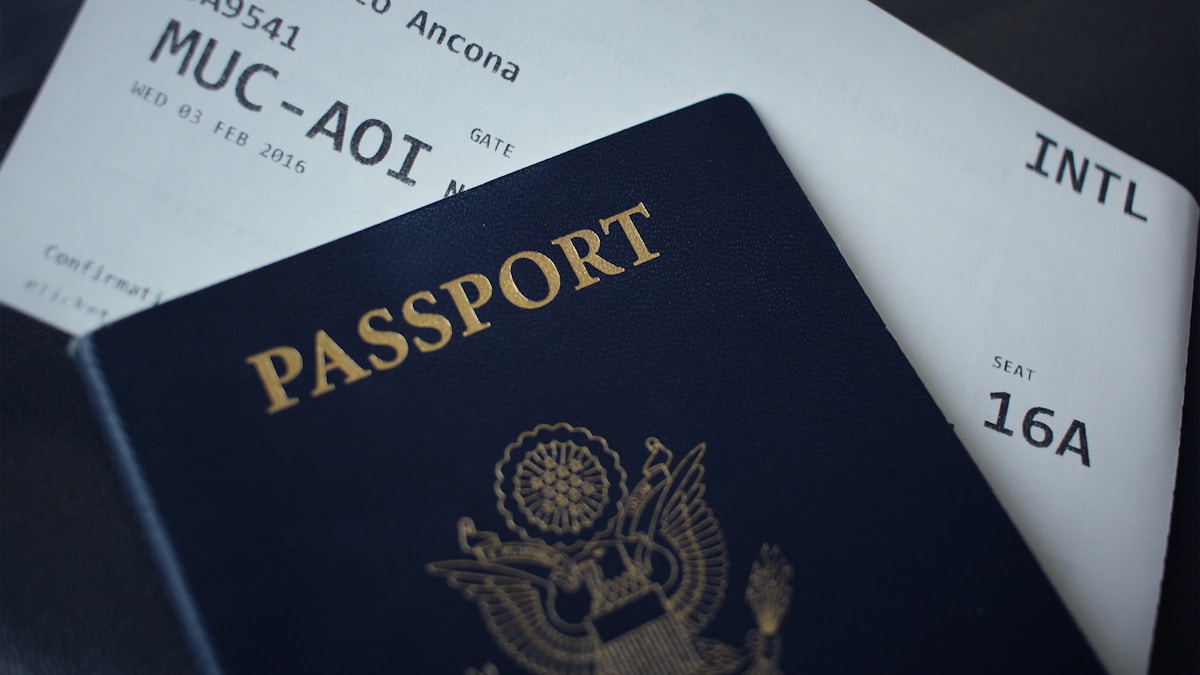
On 15 May 2026, TechCrunch reported that a hotel check-in system called Tabiq, built by the Japanese startup Reqrea, had left one of its Amazon storage buckets open to the public internet.
Inside were more than a million passports, driver’s licences and selfie verification photos. No password was needed. As the report put it, the data “could be viewed by anyone using a web browser.” Independent security researcher Anurag Sen found it and contacted TechCrunch, which alerted the company and Japan’s cybersecurity coordination team.
The detail that stays with me is the date range. The files went back to early 2020.
Someone checked into a hotel in 2020, photographed their passport because the system asked them to, and that image sat in a publicly readable bucket for over six years. They were never told. They still may not know.
This is not a story about hotels
Seven weeks later, on 8 July 2026, TechCrunch reported a second one: the insurer AssuranceAmerica disclosed a breach affecting roughly 6.9 million people, including driver’s licence numbers. Attackers got in through a compromised employee account and were in the system from at least 17 March until the investigation closed on 15 June.
Different company, different sector, different attack. Same underlying shape: you handed over a document, and what happened next was entirely outside your control.
I’m not raising this to argue that you should refuse to give a hotel your passport. You can’t, and you shouldn’t try. The point is narrower and more useful.
There are two kinds of copies of your ID, and they carry completely different risk.
The copies you control, and the ones you don’t
Copies someone else holds. A hotel, a bank, an insurer, a car rental desk. You have no say in how these are stored, no way to audit it, and often no notification when it goes wrong. Your only real levers are giving fewer of them, asking how long they’re retained, and preferring services that verify in person over ones that want an upload.
Copies you make for yourself. Photographing your own passport for a visa application. Scanning a licence to fill in a form. Snapping an ID because a colleague asked for the number. These accumulate quietly in your camera roll and then sync to whatever backup you use.
The second category is entirely yours to manage, and most people never think about it. That’s the part worth fixing this afternoon, and it’s the job I built Textora for: getting the text you need off a document without uploading the photo.
What to do about the second category
Look at what’s already there. Open Photos, search for “passport” or “licence” or “card”. Apple’s on-device recognition will surface more than you expect. Most people find images from a one-off request three years ago that they never deleted.
Extract what you need, then delete the image. In almost every case the thing you actually wanted was the text: a document number, an expiry date, an address. Once you have that written down somewhere sensible, the photograph is pure liability. It’s the difference between storing a number and storing a picture of your face next to that number.
Check whether your scanning tool uploads. The reliable test takes ten seconds: turn on airplane mode and try to scan something. If the text still comes out, recognition is happening on your phone. If you get an error or an endless spinner, the image was going somewhere.
On iPhone, Live Text passes this test, and so does the Files app scanner. Both are free and already installed. Where they stop is the “extract, then delete” step: Live Text copies text from the image in front of you but keeps no searchable record of it, and it won’t remind you when the document expires.
Where Textora fits
Textora reads text on the iPhone through Apple’s Vision framework, needs no account to start, and passes the airplane-mode test. Scan a passport or licence and the text lands in a searchable library, organised into a Knowledge Card with fields such as names and dates. It can set a reminder with a notification for the expiry date, and export a searchable PDF if a portal wants one. Once you have that, the photo in your camera roll can go.
Its cloud AI features are off unless you turn them on. When they are on, only the recognised text is sent, never the photo, and passport and ID numbers, card numbers, IBANs, emails and phone numbers are masked on the phone first, then again on the server. That design exists because I assumed people would scan exactly the documents this article is about.
What no scanner can change is the first category. If a hotel demands a passport upload, nothing on your phone changes what that company does with the file you send them.
The uncomfortable part
Both breaches were reported by journalists, not discovered by the affected users. In the Tabiq case a researcher happened to look. There’s no version of this where an ordinary person notices that a bucket in another country has been readable since 2020.
That asymmetry is the real argument for keeping fewer copies in circulation. Not because on-device processing is a shield against breaches at other companies, but because the photo you never took, and the copy you deleted after extracting what you needed, are the only ones guaranteed not to turn up in a report three years from now.
I build Textora. Facts about the breaches above are taken from the reports linked below, checked on 9 August 2026; email support@textora.app if something has changed.
Sources: TechCrunch, 15 May 2026 — Tabiq / Reqrea · TechCrunch, 8 July 2026 — AssuranceAmerica
Frequently asked questions
Is it safe to photograph my passport or driver's licence with my phone?
What was the Tabiq data breach?
How can I scan a document without uploading it anywhere?
Does on-device scanning protect me when a company asks for my ID?
Should I delete ID photos from my camera roll?
Ready to extract text from photos in seconds?
Textora uses AI to scan and organize text from any image — receipts, menus, handwritten notes, and more. Works offline, recognises 12 languages on-device.
Download on the App Store